

every word
has a moment.
Centered type or full-frame expression. Sentence and word timing, shared across your song.
Explore lyric videos ↗Bring your song.
Chorus Cuts handles the sync, cuts and versions.
 your
Upload your finished music video. Chorus Cuts automatically finds the cuts and separates it into shots, ready to turn into new edits.
Use the footage you’ve already made.
Detect the shots automatically, then fine-tune where you need to.
Pick a part of your song. Change the rhythm, framing and lyrics. Make it yours.
Centered type or full-frame expression. Sentence and word timing, shared across your song.
Explore lyric videos ↗Control your cutting style, then preview it with your own footage.
Sync your performances ↗Creative looks, curves, color wheels and custom LUTs. Original footage stays untouched.
Build editable batches. Download only what you choose, in the frame that fits.
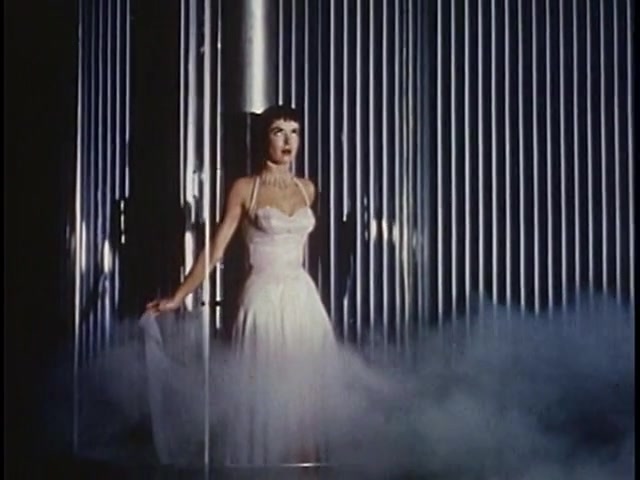
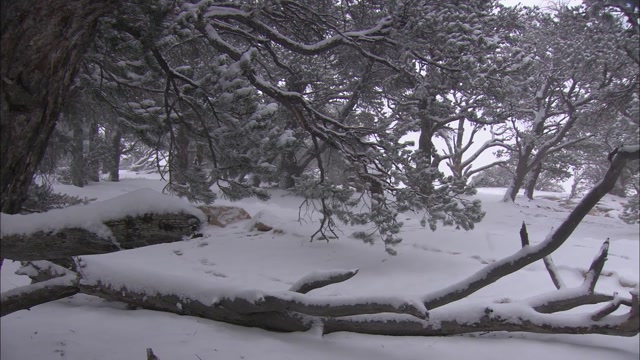
Make social clips ↗Start with a mood board. Explore curated collections of documented public-domain footage, choose a visual direction, and make it your own.
Start with a sample song
Export up to 4K. Preserve HDR with 10-bit HLG and wide-gamut color, or deliver a controlled Rec.709 version. 4K is included with paid plans.
Start with a color preset. Fine-tune exposure, curves and wheels in editable layers, add your own .cube LUT, and save a look for your next release.
Generate your batch, pick a version, then open its timeline. Trim shots, swap angles and adjust subtitle timing without starting over. Included with paid plans.
Style timed lyrics and opening hooks. Reuse corrections across your song, or export standalone lyrics on a transparent background with a paid plan.
Framing, grades and cuts leave your original footage intact. Exported files use a saved revision, so later changes won’t alter a queued download.
Share a version or batch for review. Collect timecoded notes, shortlist favorites and invite collaborators into a private workspace.
Share one version or a whole batch. Reviewers can watch without an account, then sign in free to leave a timecoded note or download your approved file.
Use performances, B-roll, a finished music video, or a visual collection. Performance takes sync to your song; B-roll follows the edit’s rhythm.
Yes. Choose “Split a music video” when adding your footage. Chorus Cuts detects the cuts and separates the video into shots, which you can use in new editable versions.
Yes. Every generated version is an editable timeline. Swap takes, adjust cuts, style lyrics and change your look before downloading.
Your uploads are stored privately in your workspace. Only members you invite and people with review links you create can access shared content.
Upload a song to start editing. Choose a section, add footage or a mood board, and preview your batch. Sign in to keep your work. See pricing for download, storage and paid editing allowances.